All your storage in one place
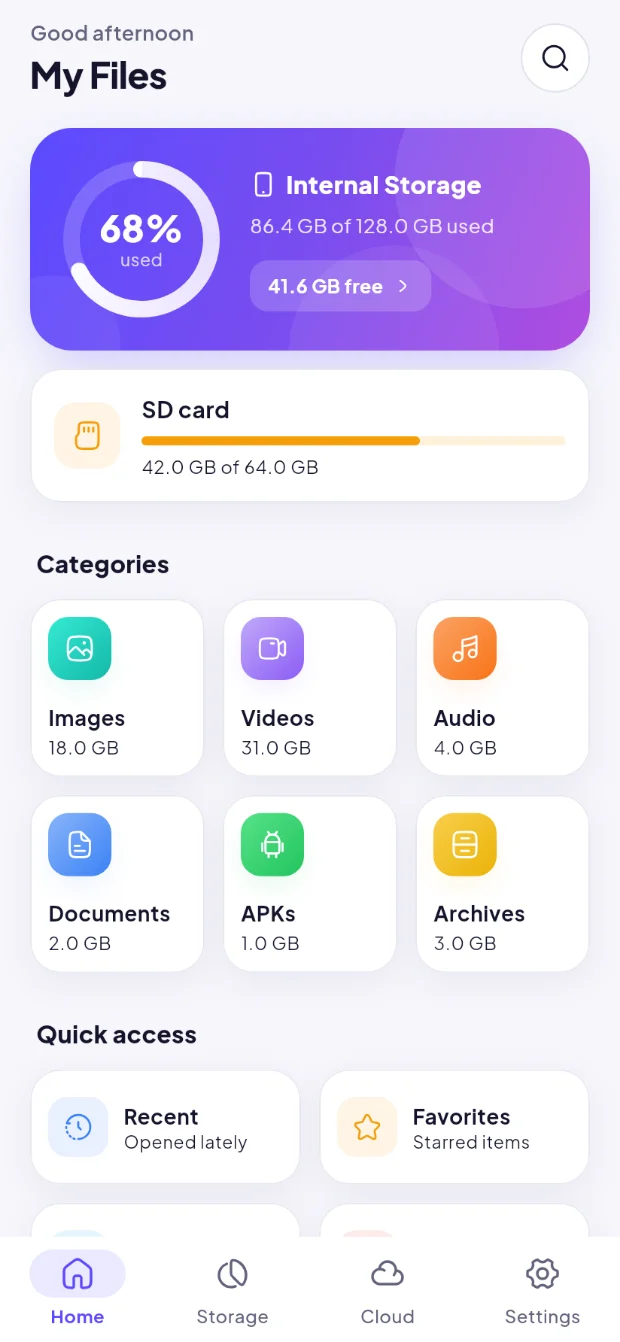
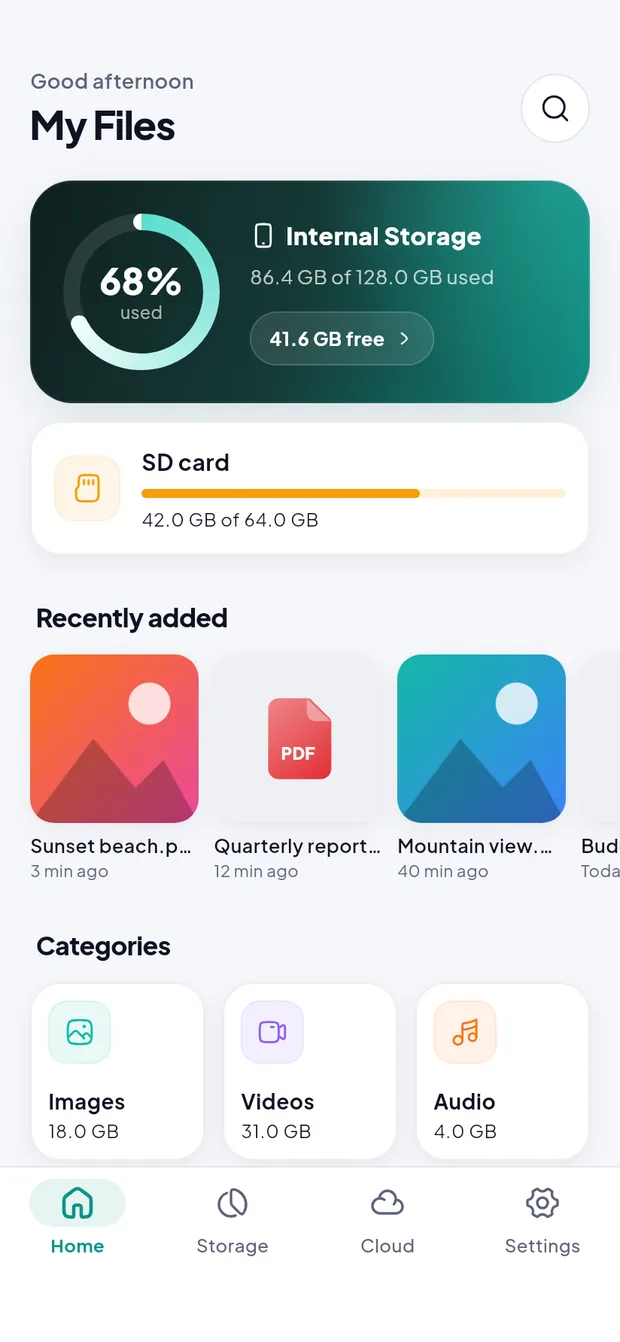
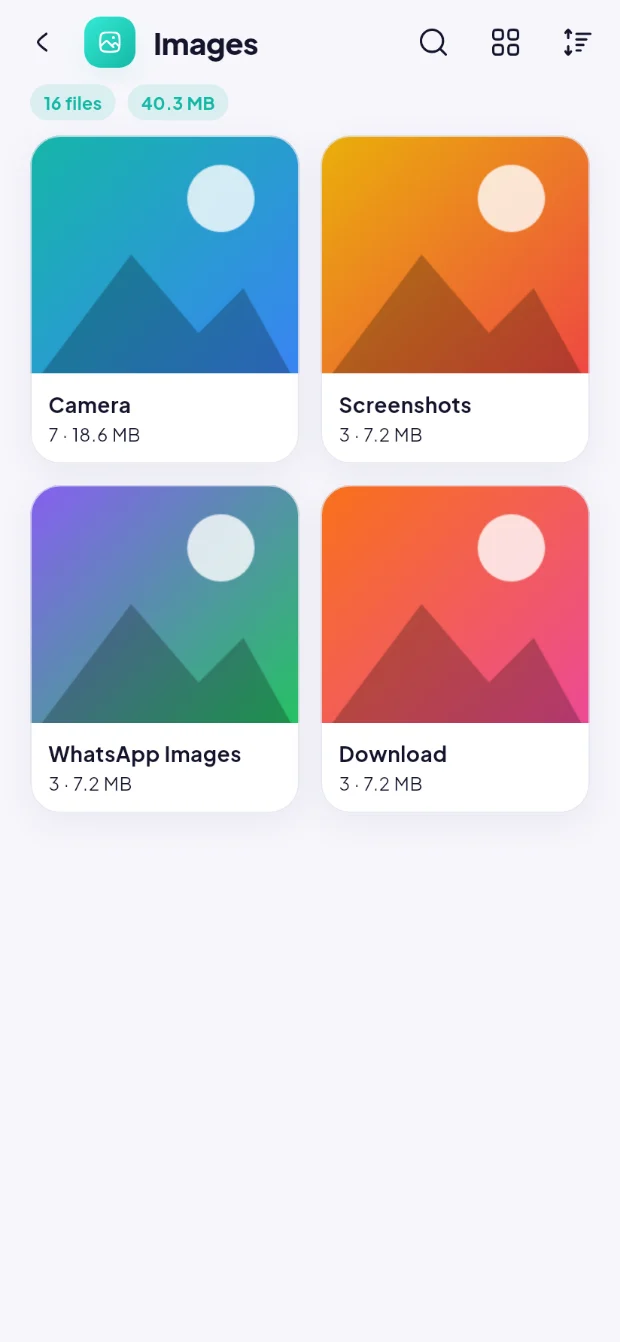
Internal storage, SD card and USB drives in list or grid view with real thumbnails, up to 8 browser tabs, and a two-panel view for copying and moving.
Browse, organize and protect files on your phone, SD card, USB drive, Google Drive and network servers. With an encrypted Vault, automatic Drive backup and smart cleanup.
Free·Android 7.0+·No account needed
Supports
Features
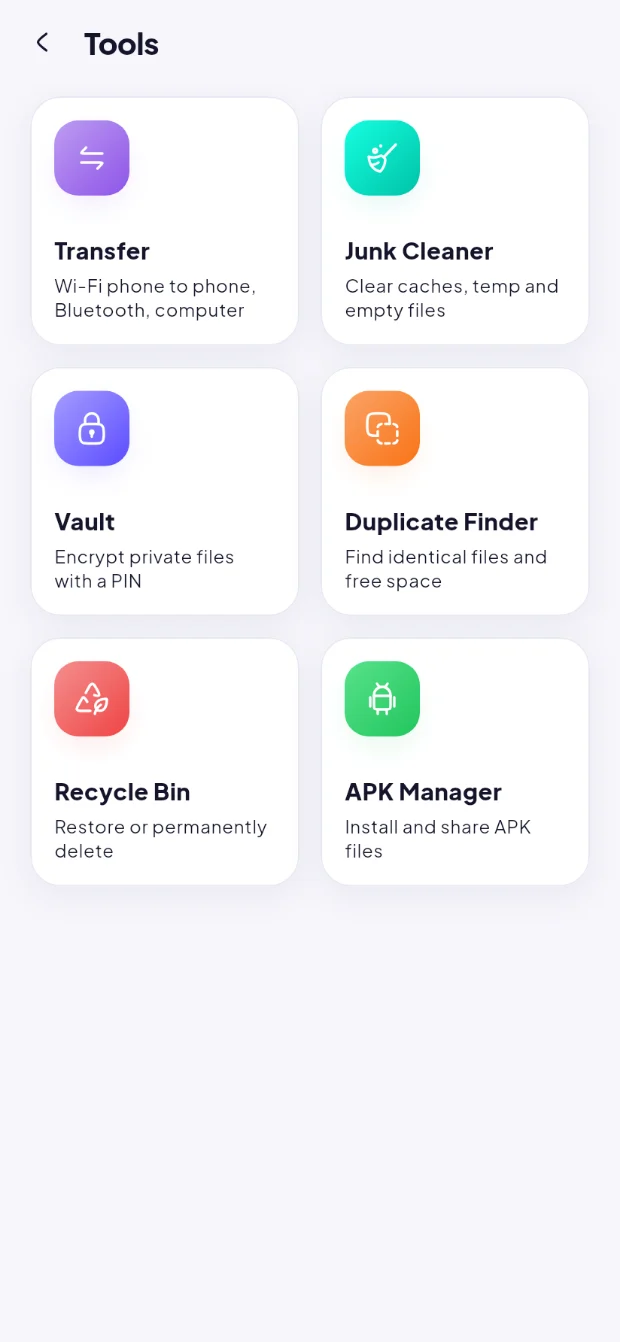
Six toolkits in one app, all working on your device, with the same safe copy, move and delete everywhere.
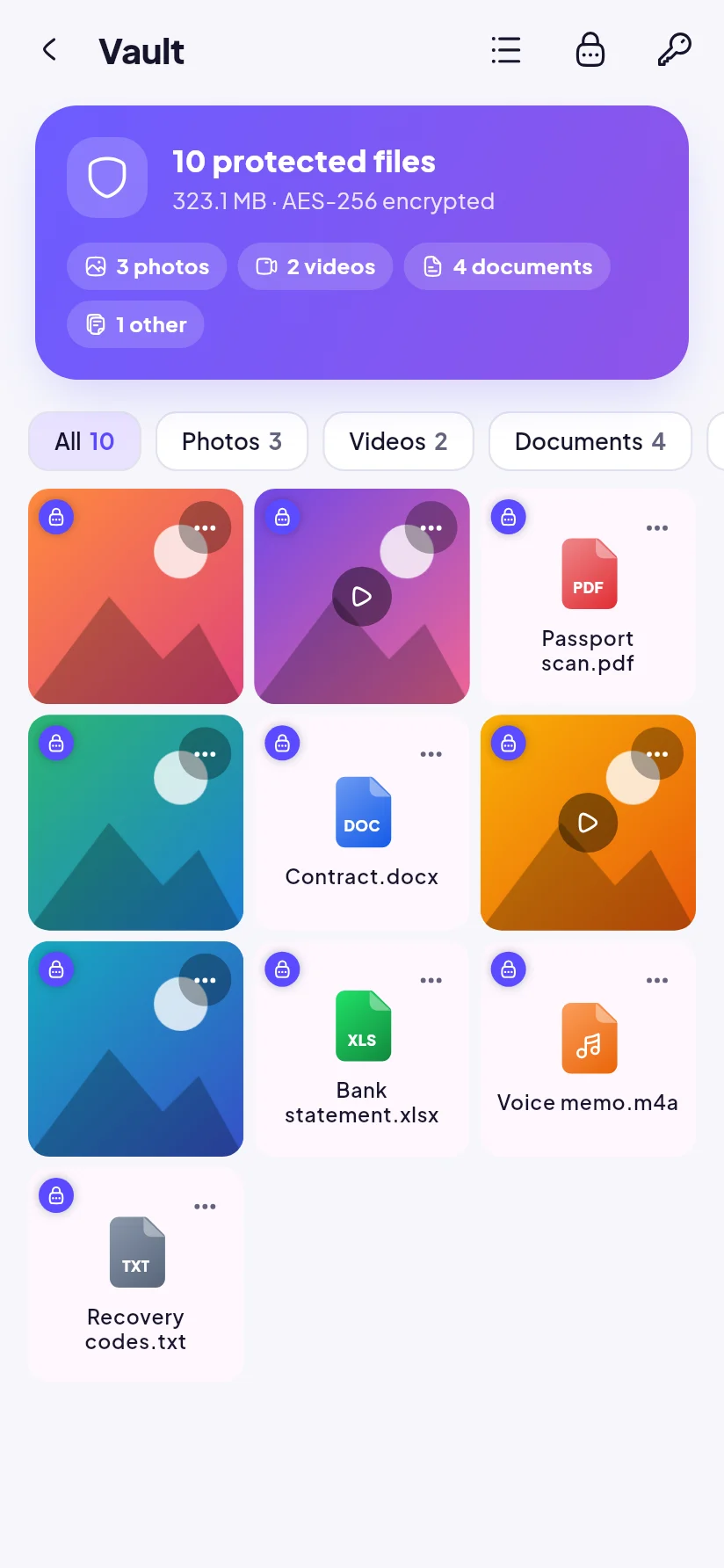
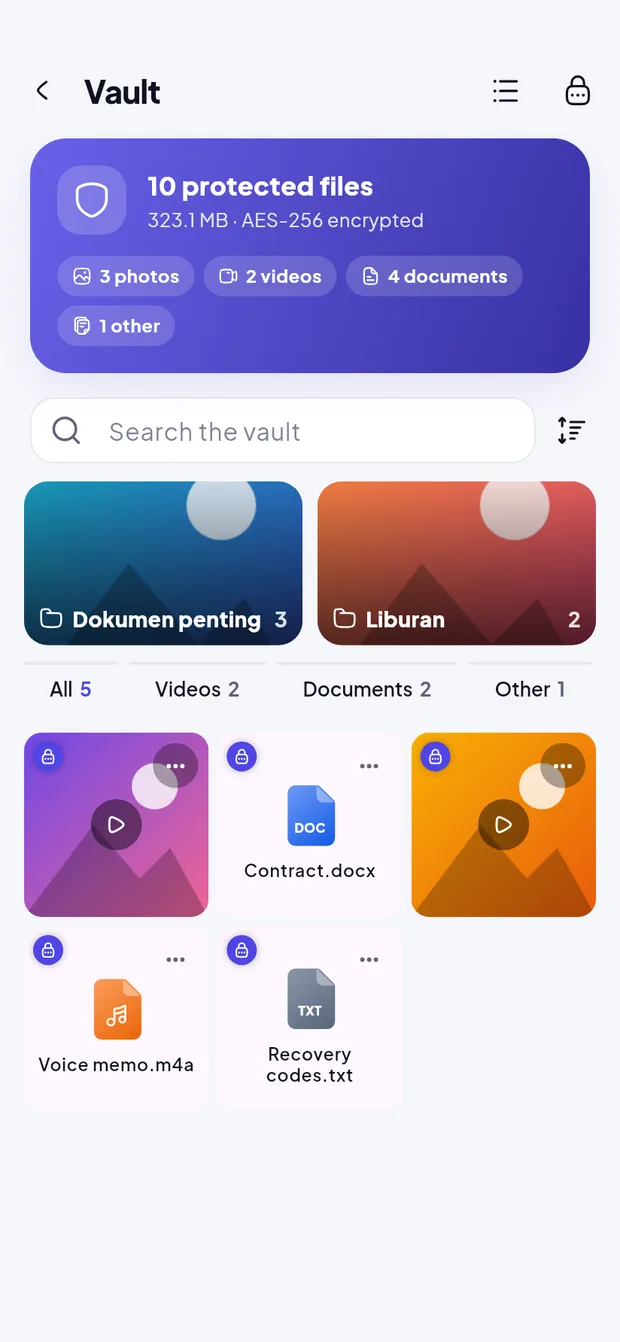
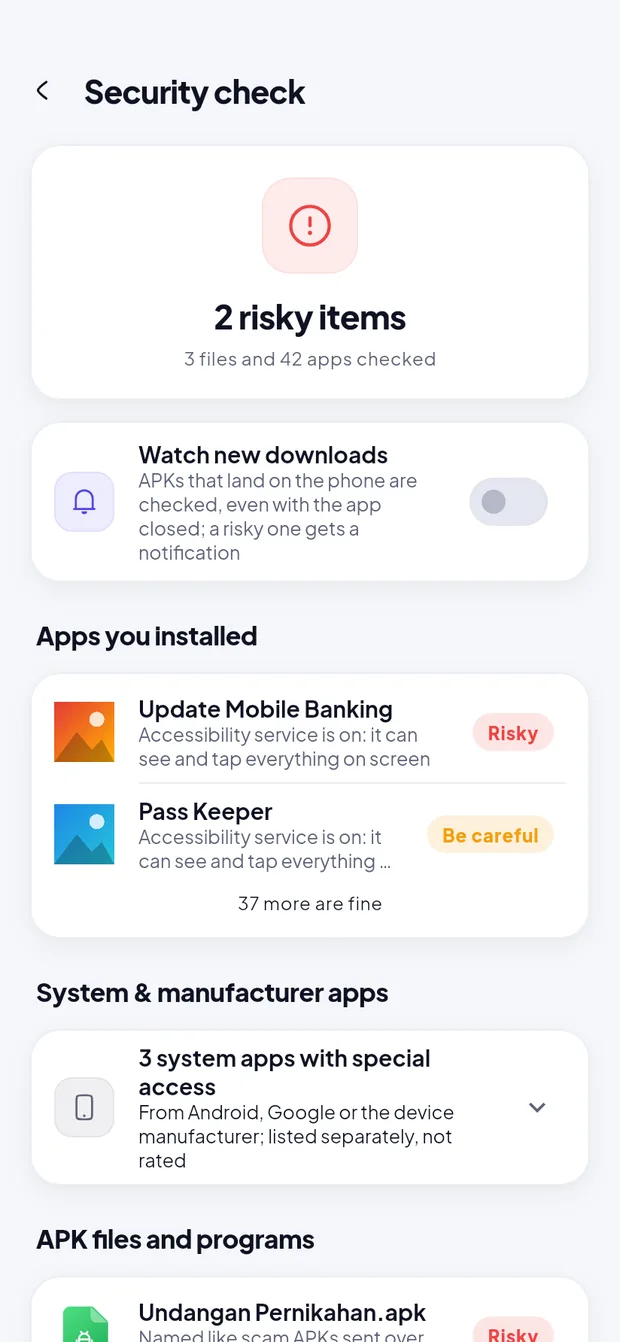
An encrypted Vault for files and whole folders, App lock, and an offline Security check for risky APKs and apps.
Learn moreSeveral accounts, verified uploads and downloads, organizing inside Drive and automatic backup of phone folders.
Learn moreTabs, two panels, search inside text files, batch rename, and ZIP, TAR and 7z archives opened without extracting.
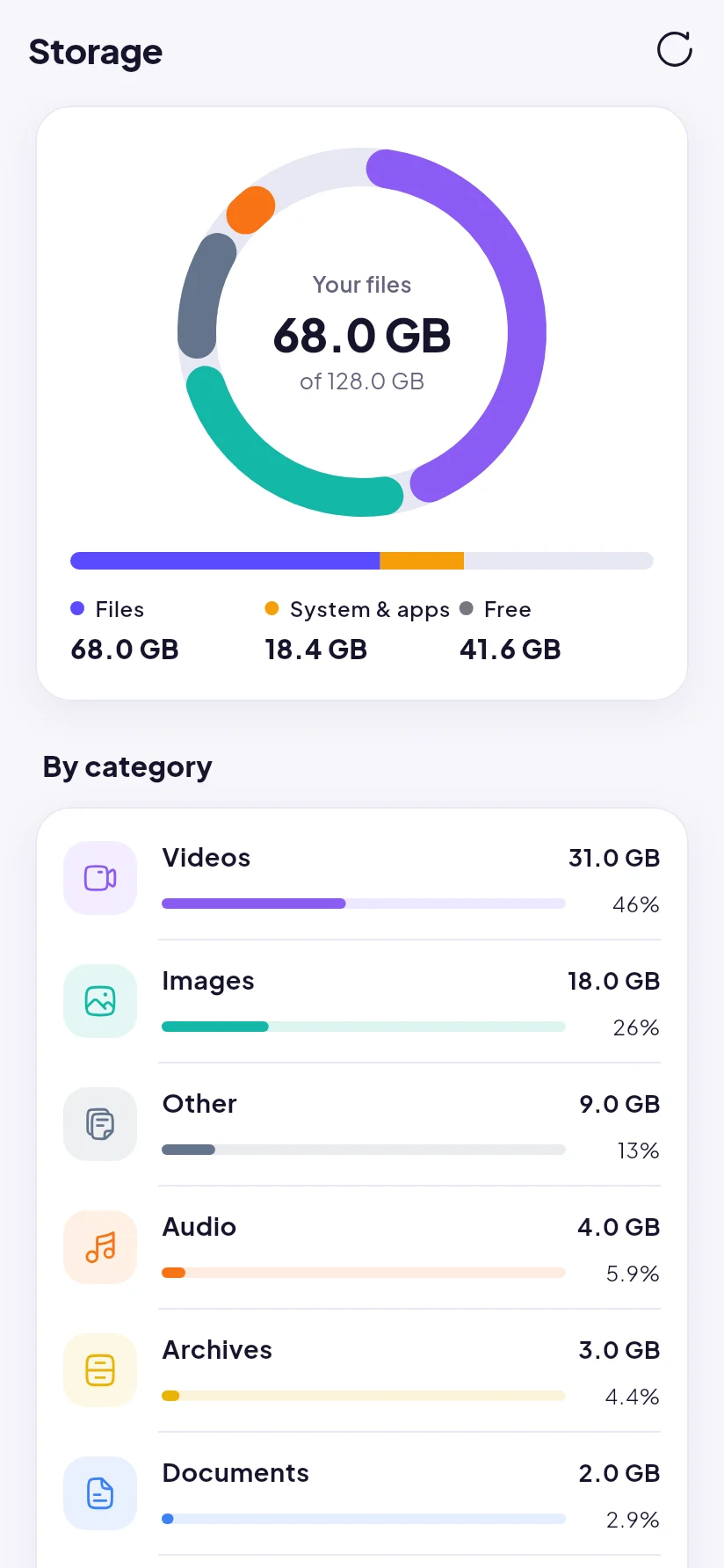
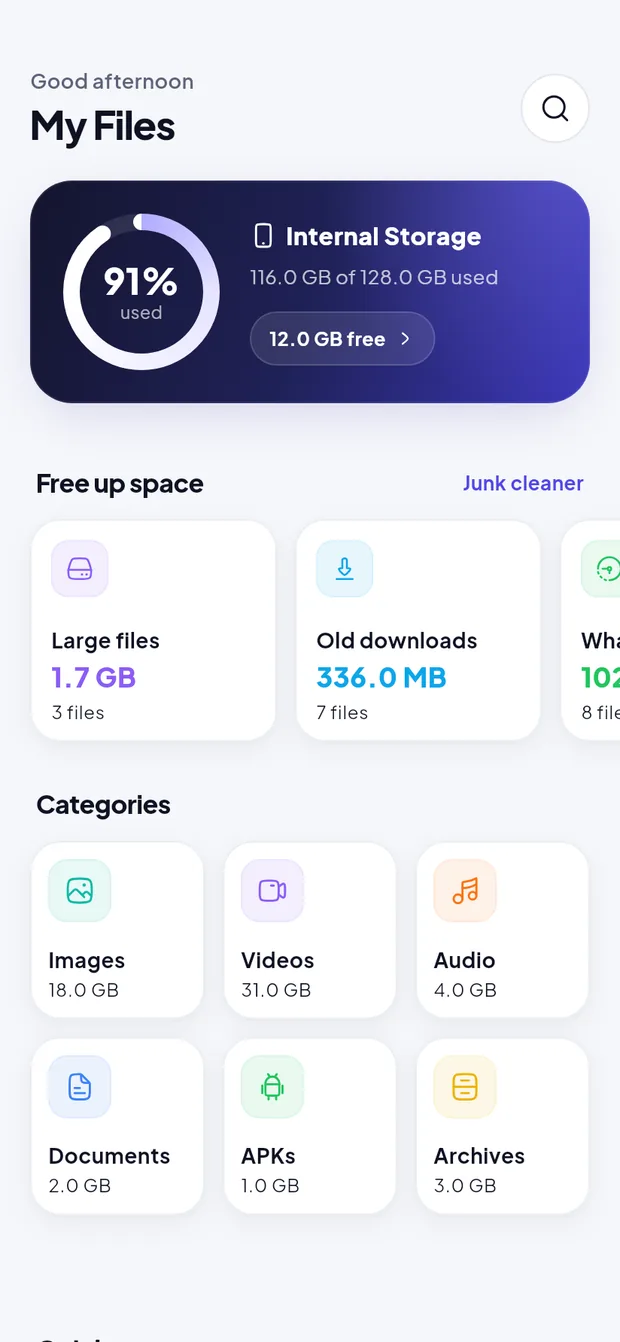
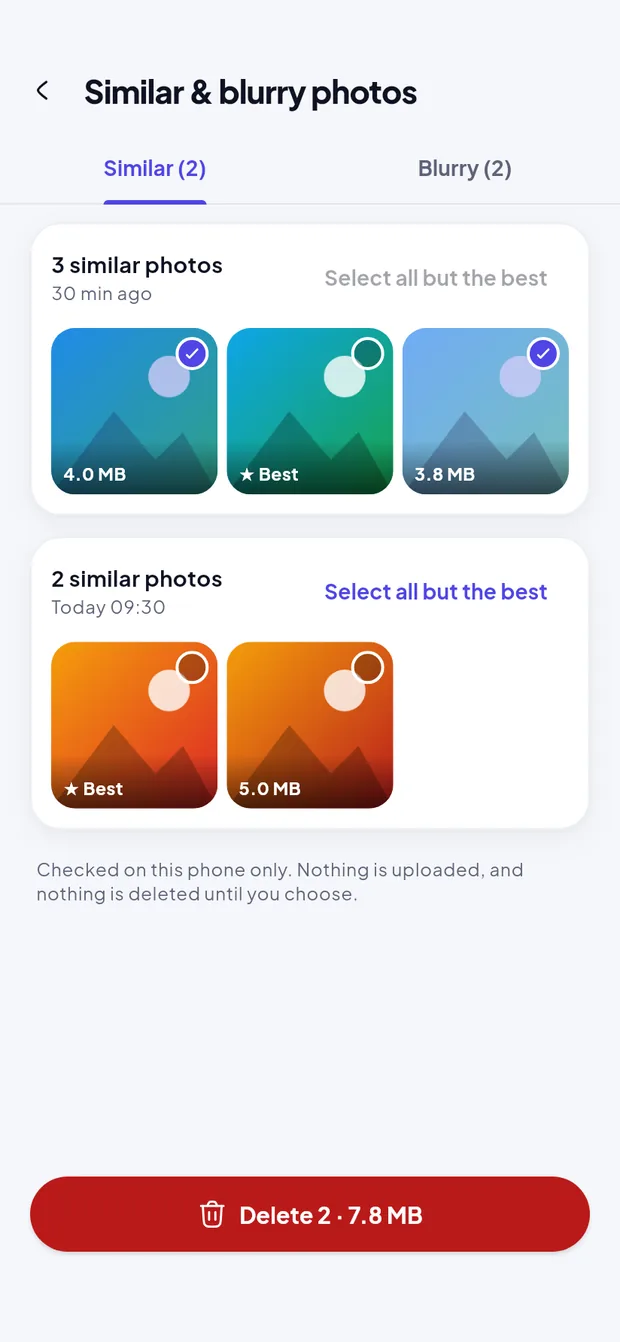
Learn moreSee what fills your phone, then free up space with suggestions, a junk cleaner, duplicates and similar photos.
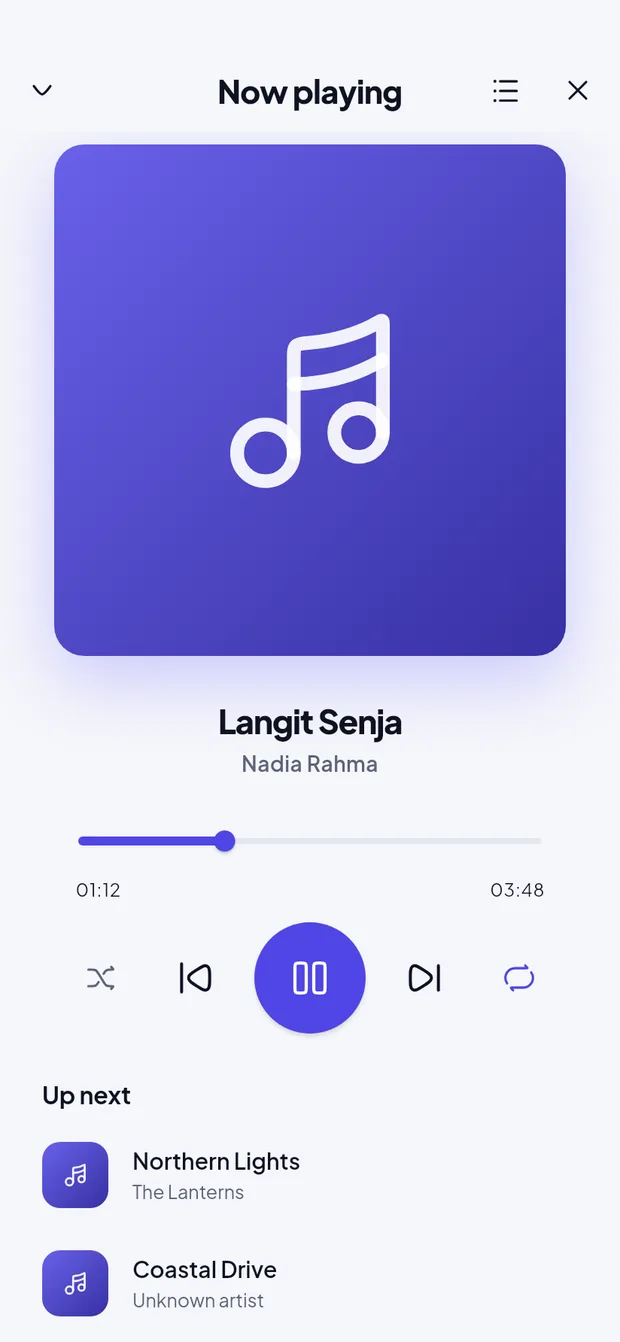
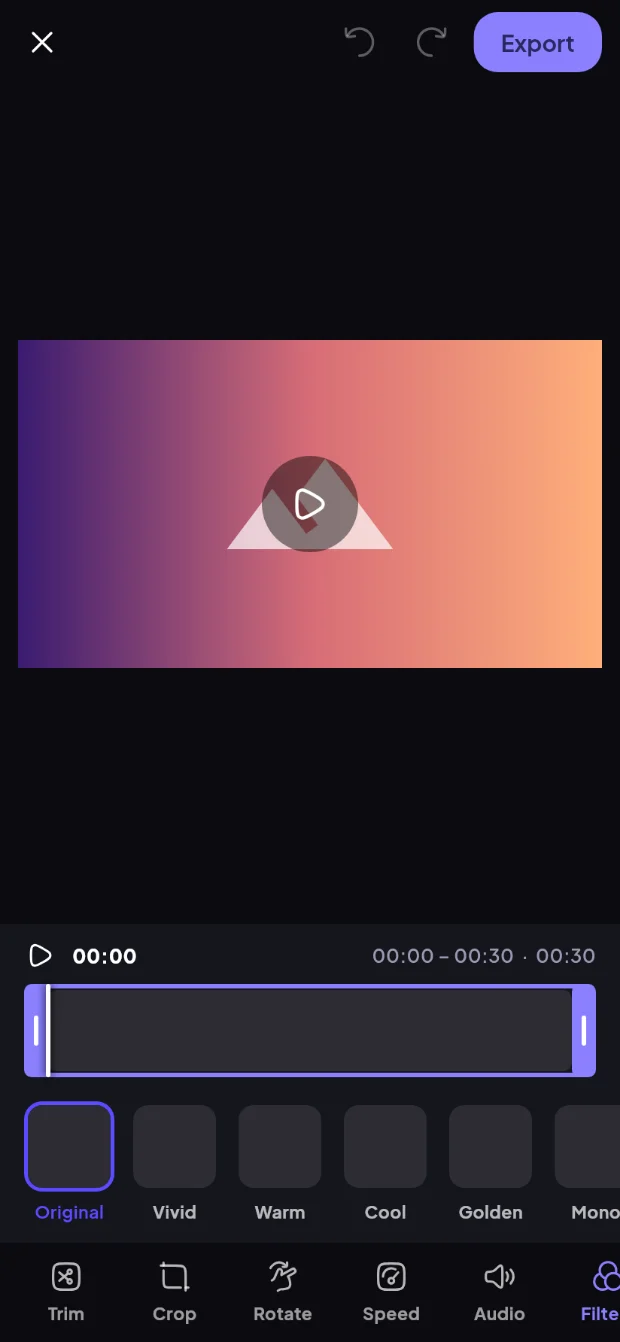
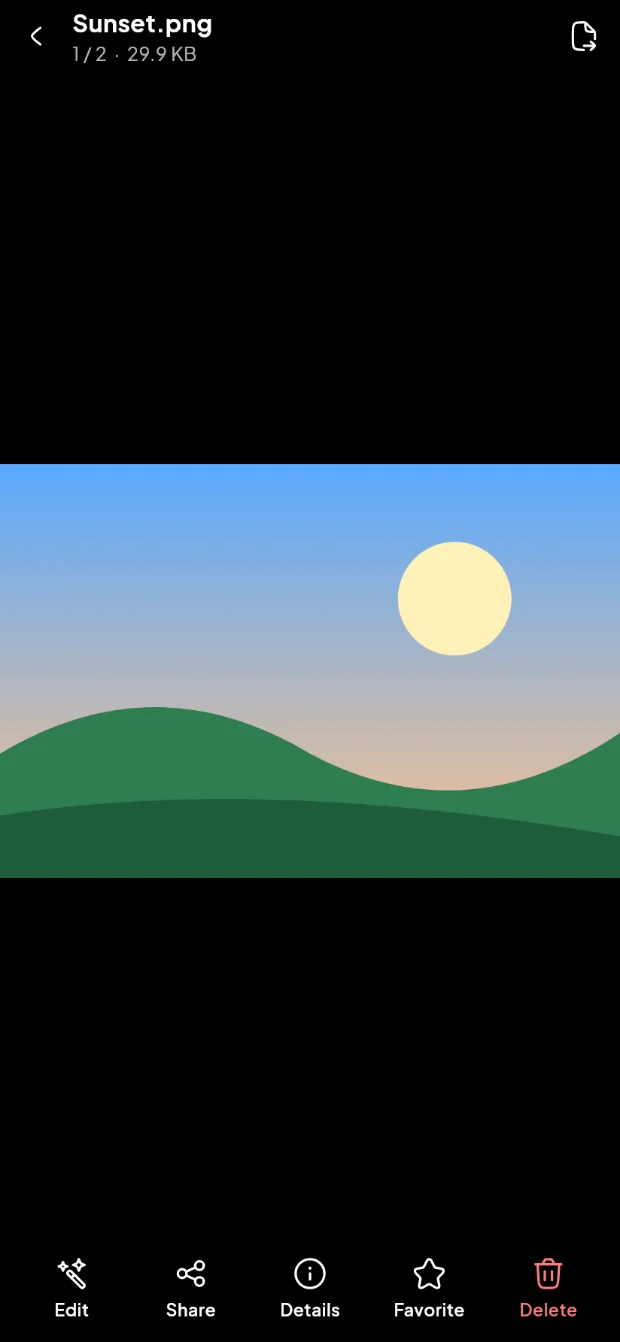
Learn morePhoto and video editors, a video player, a music player that keeps playing in the background, PDFs and code.
Learn morePhone to phone over Wi-Fi, Bluetooth, or to a computer through its browser, with a queue that runs in the background.
Learn moreFiles & archives
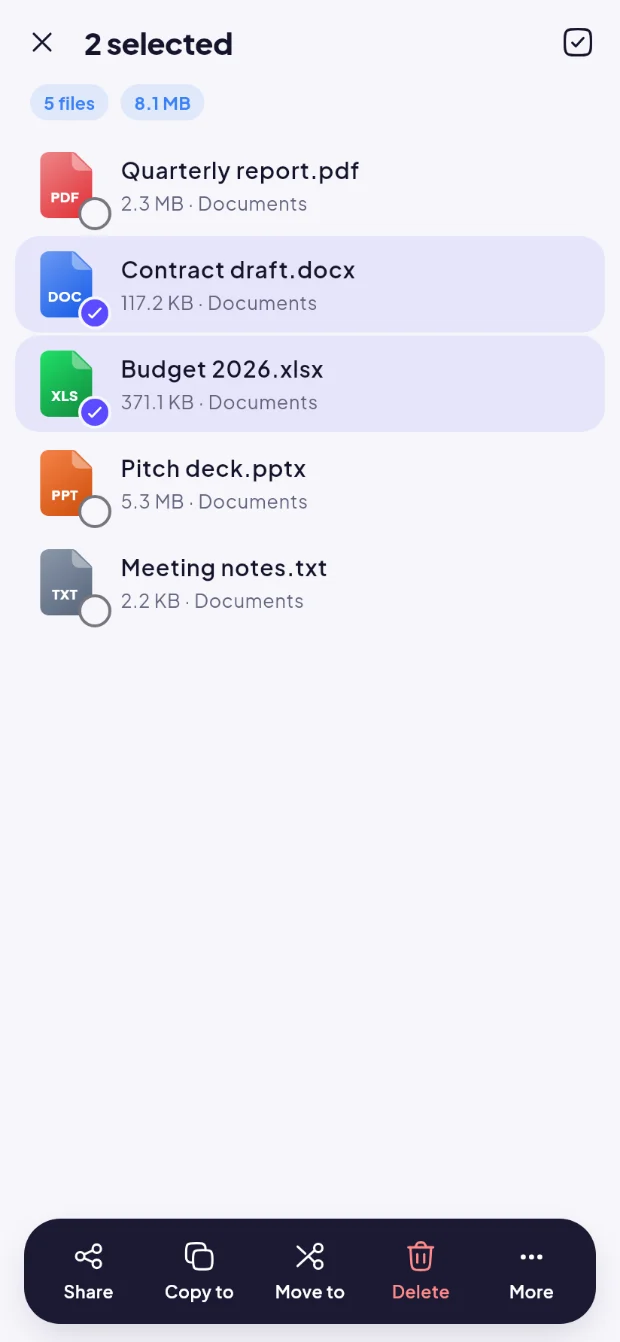
Every screen uses the same reliable actions: copy, move, rename, share, compress and delete. Nothing is overwritten without asking.
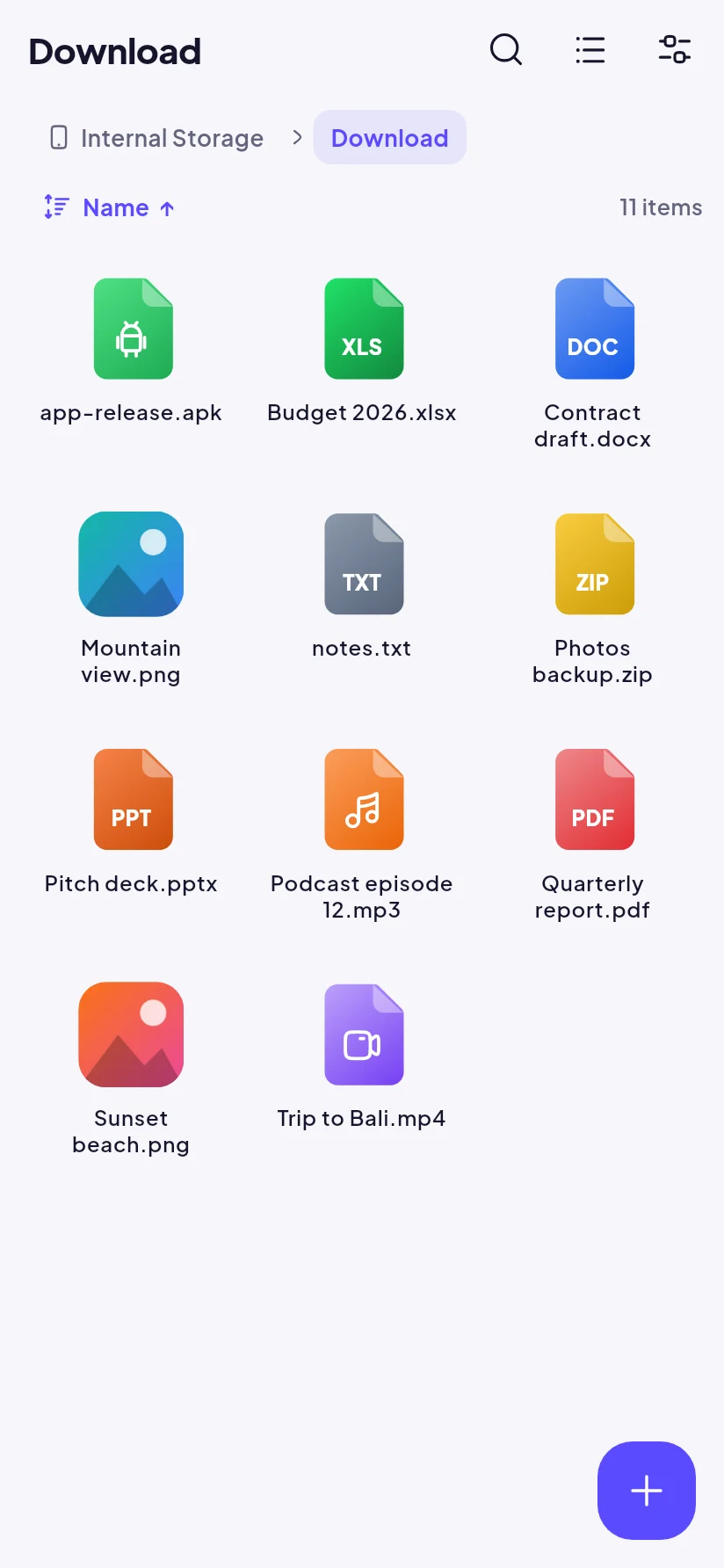
Internal storage, SD card and USB drives in list or grid view with real thumbnails, up to 8 browser tabs, and a two-panel view for copying and moving.
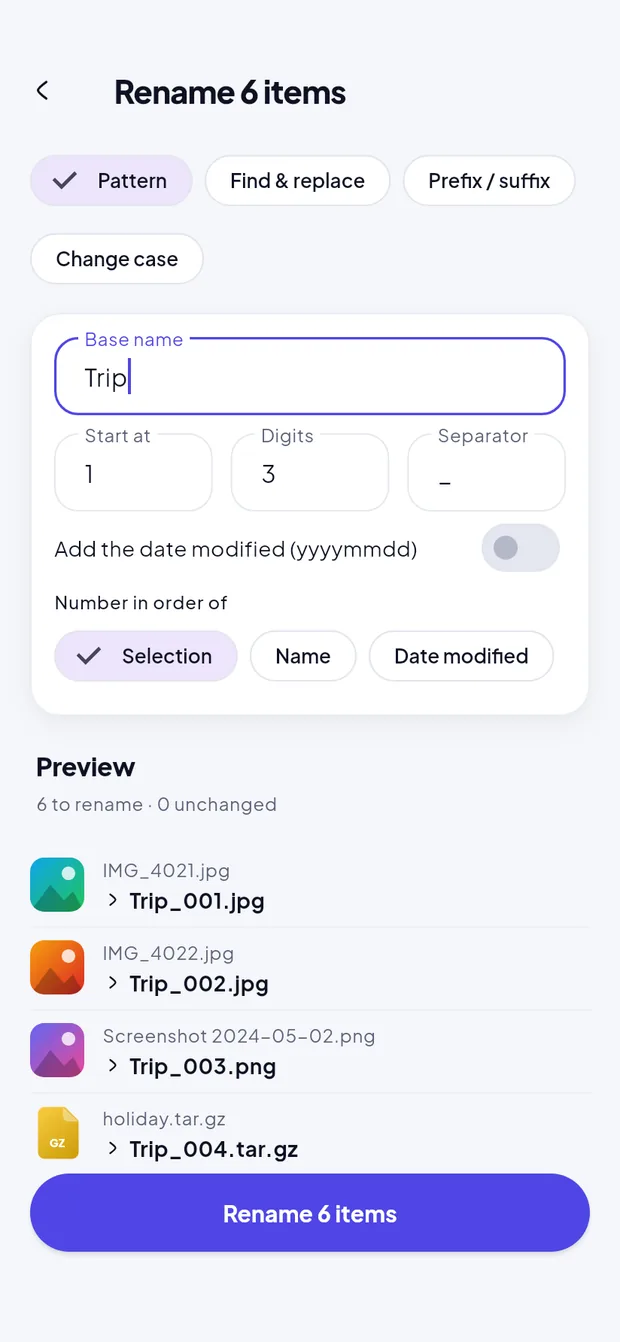
Rename many files with a pattern, find & replace (regex too), prefix and suffix, or a case change. Preview every name first; existing files are never overwritten.
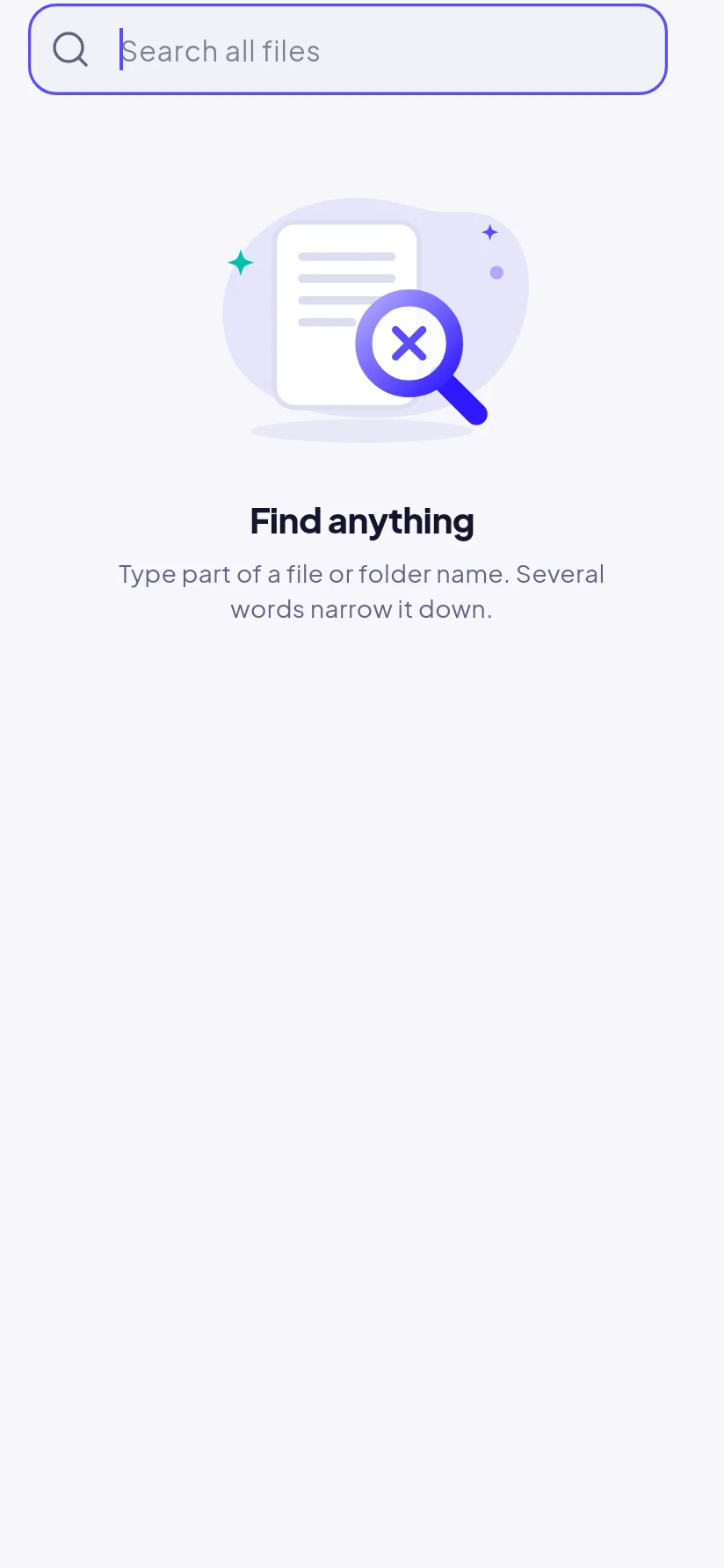
Find files by name or by the words inside text and code files, and filter by size, date and type.
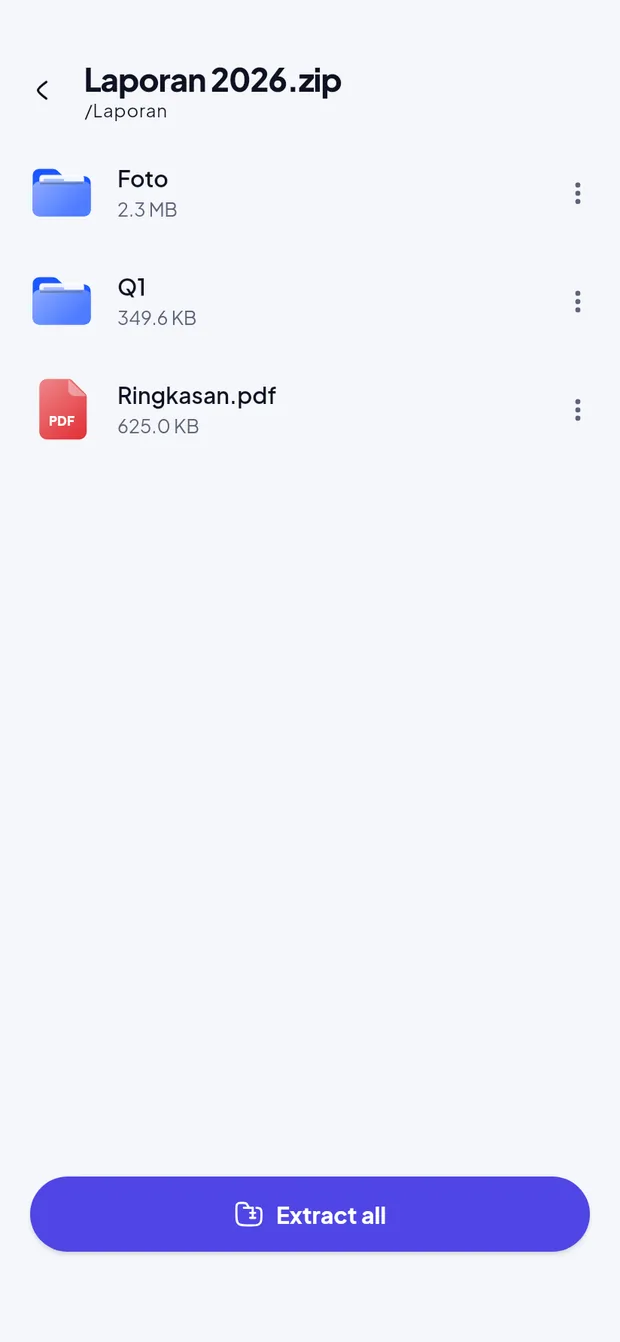
Open ZIP, TAR (.gz, .bz2, .xz) and 7z like folders, extract one file or all, and create ZIPs with an AES-256 password.
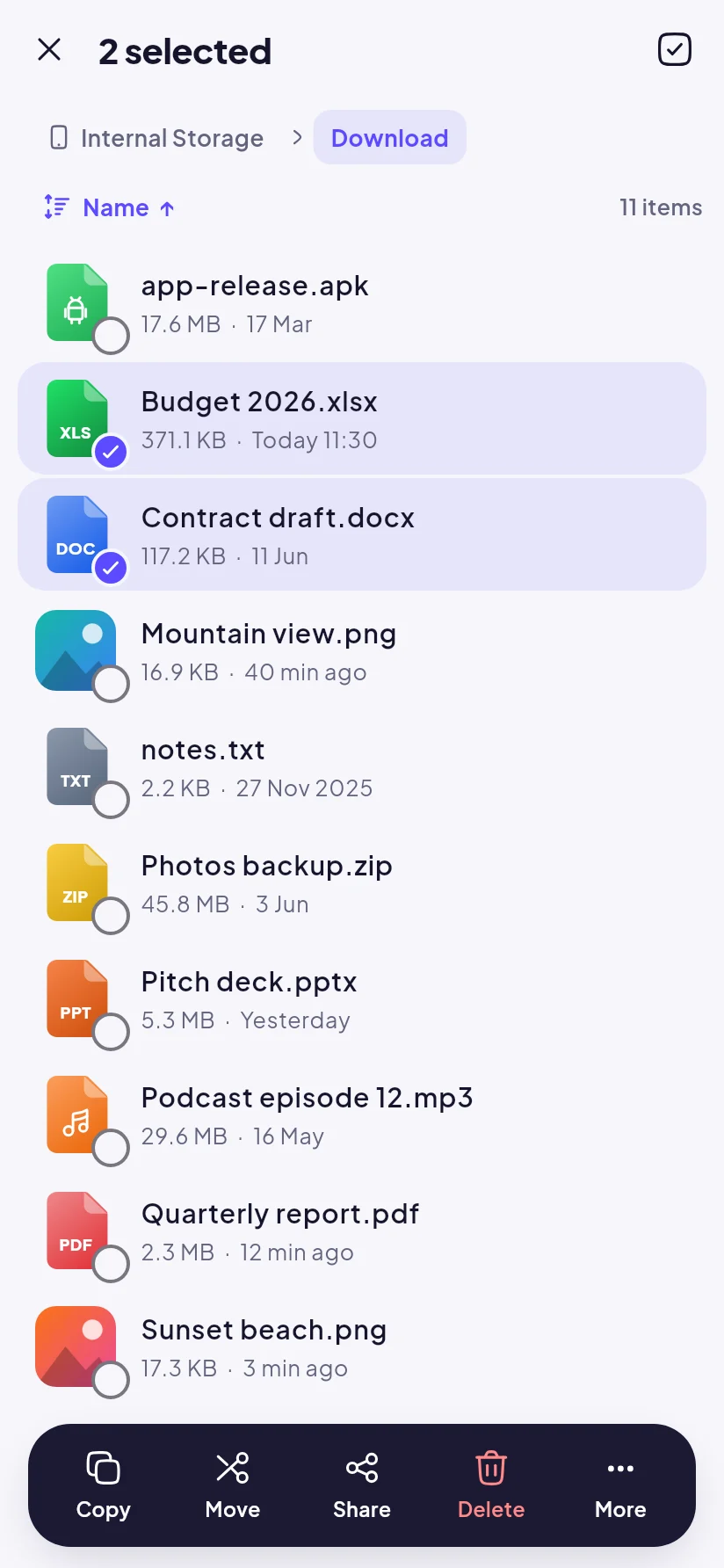
Select multiple files and copy, move, share, compress or delete them at once.
Restore deleted files to where they were. Items are emptied after 30 days by default; change it or turn it off.
When a name is taken you choose: keep both, replace or skip. A replaced file goes to the Recycle Bin.
Favorites, recent files and bookmarks, plus home-screen shortcuts that open a folder in one tap.
Share files from any app to File Manager and pick the folder to save them in.
Every list has the same search and sort: folders, Recycle Bin, Drive, WhatsApp media, duplicates, music and more. Your choice is remembered per screen.
Open folders update on their own when files are added, deleted or still downloading, sorted as you chose. No pull to refresh.
Storage, quick access, folder, recent files, search, cleaning, memory and Vault widgets in several styles and sizes, each one customisable.
Files, apps, system and free space add up to your phone's real capacity, in its own units, and Samsung RAM Plus is shown when it is on.
Google Drive & network
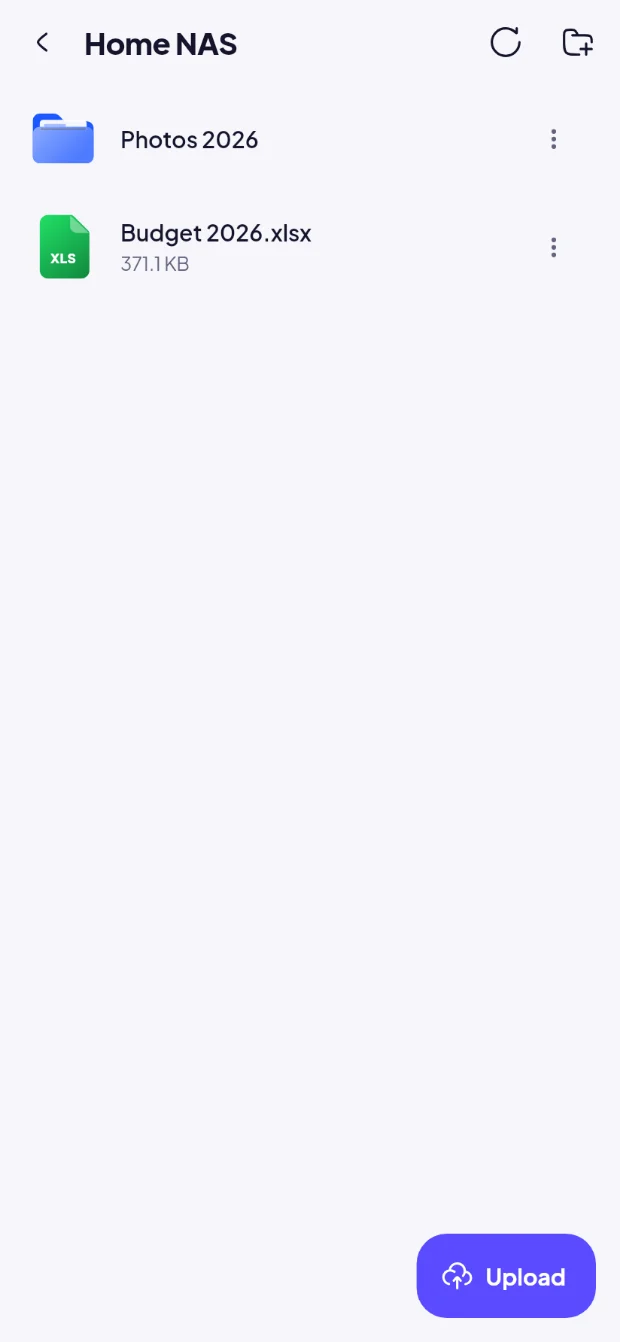
Connect one or more Google accounts, or your own server, and use the same tools you use on your phone.
Using several Google accounts? Choose a primary account, and turn on Clouds to see files from every account, grouped by account.
Privacy & security
Sensitive files stay encrypted, everything is checked on your device, and nothing is deleted permanently without your confirmation.
Cleaning & storage
Suggestions come from what is already on your phone. Nothing is selected for you, and cleaned files go to the Recycle Bin first.
Optional weekly reminder: a notification only when there is a lot you could free up or space is running low.
Media & editing
A built-in video player, music player and PDF viewer, plus photo, video and code editors.
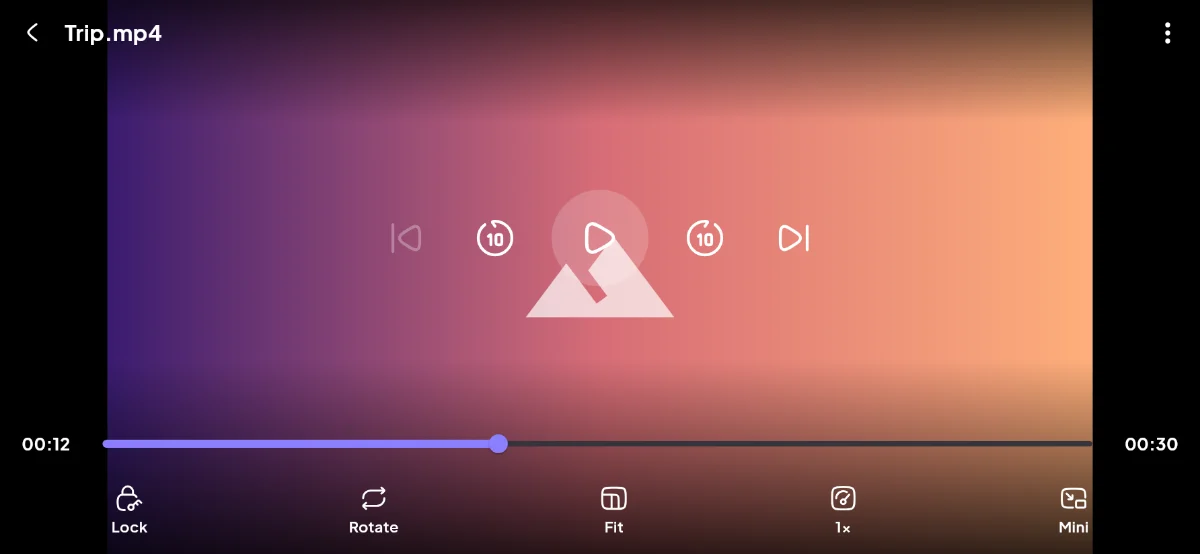
Gesture controls, playback speed, subtitles and picture-in-picture.
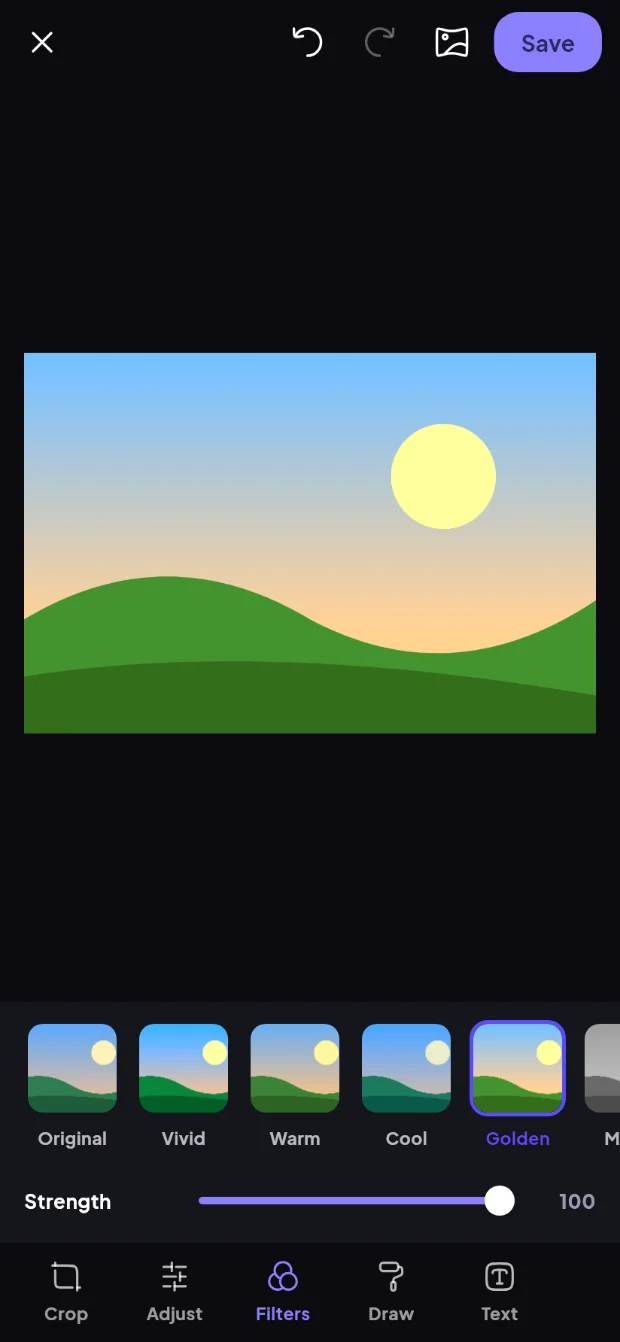
Full-resolution editing that keeps EXIF data.
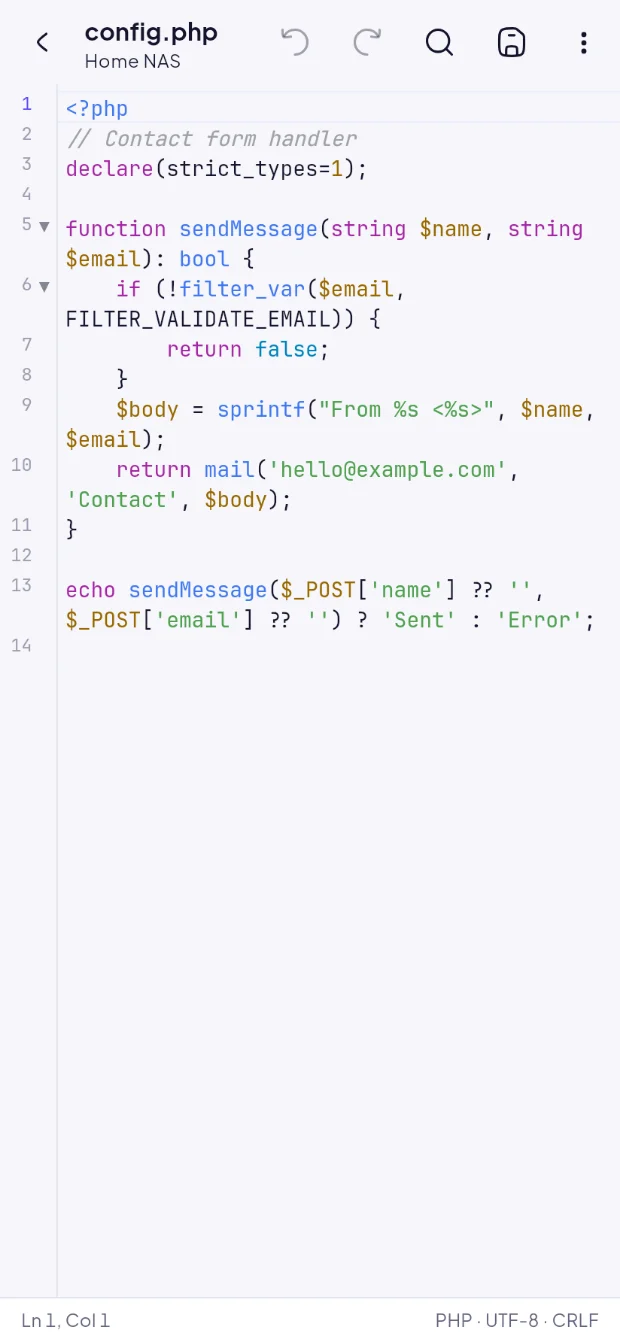
Syntax highlighting for 40+ languages.
File sharing
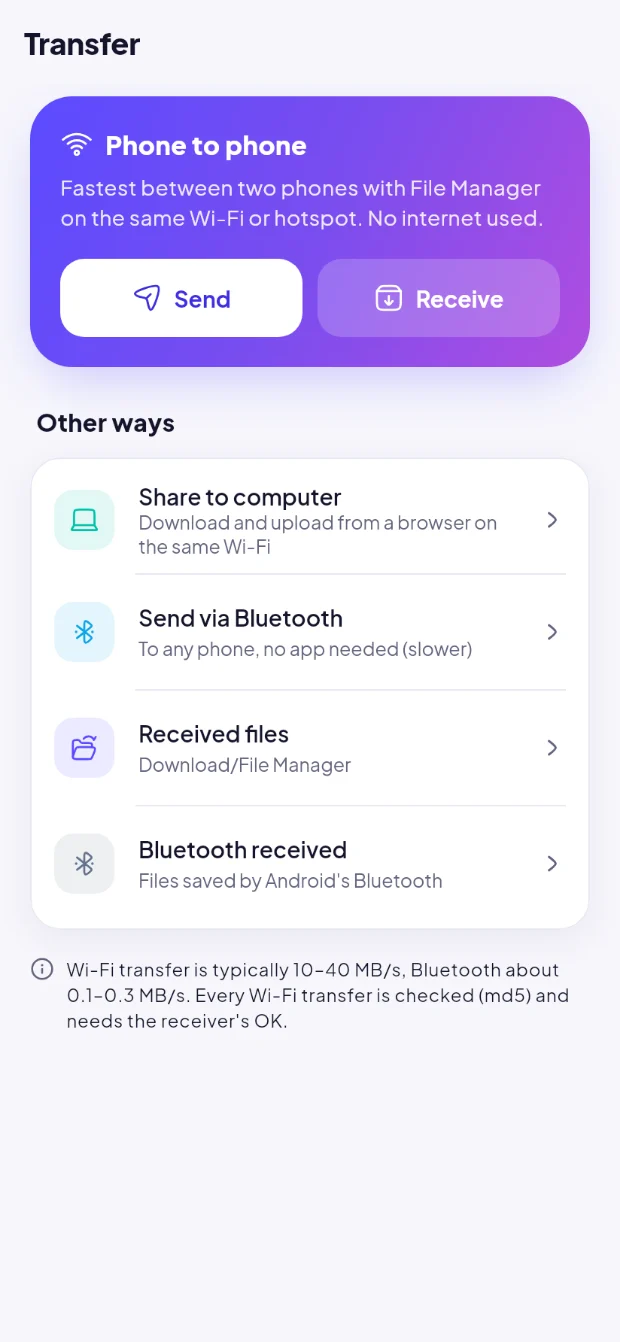
Send files without cables or mobile data. The receiver always approves each transfer, and Wi-Fi transfers are checked file by file.
Design
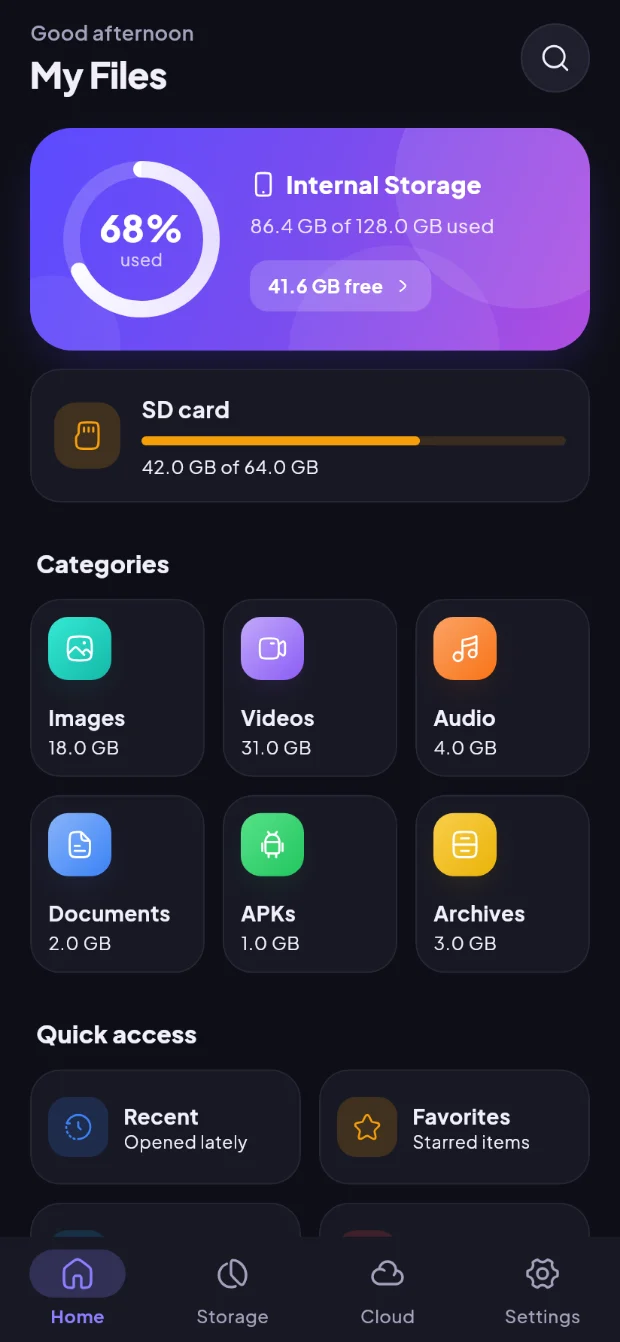
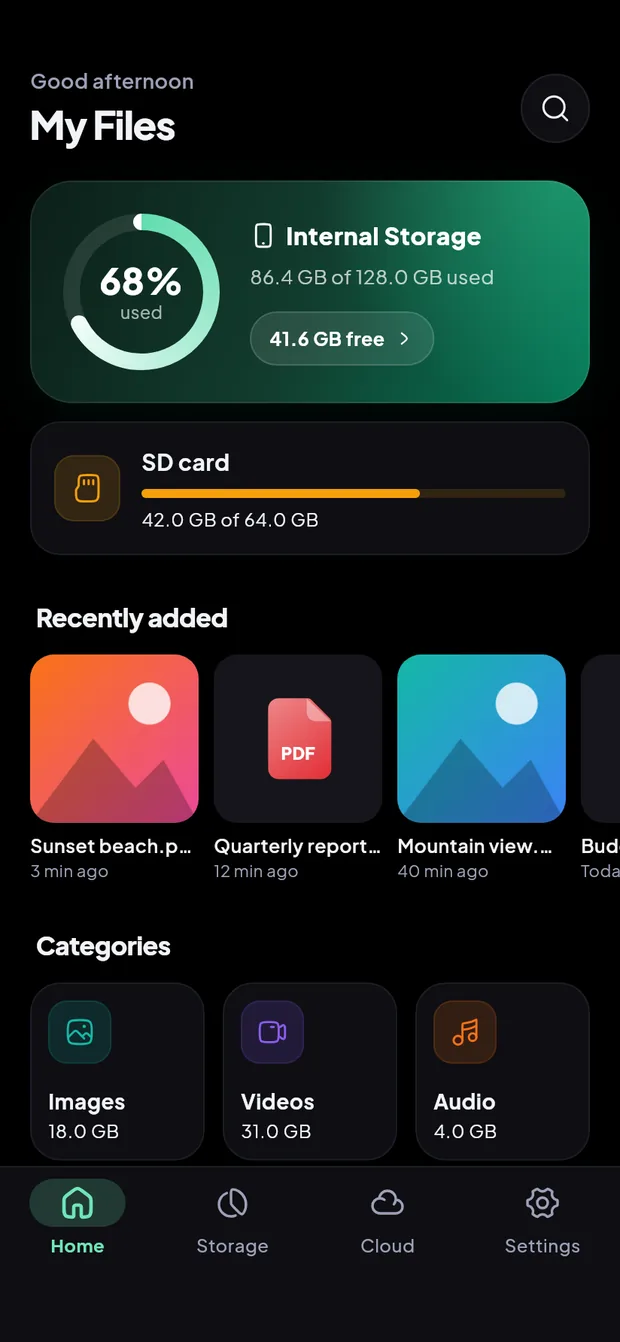
Pick one of five accent colours. A consistent, easy-to-read interface in English and Indonesian.
Privacy
No account required. Files stay on your device or go directly to the services you connect.
We do not collect file names or contents.
Google Drive requests go straight from your device to Google.
Remove an account in the app or in your Google Account settings.
When you add an account, Google asks you to allow File Manager to "See, edit, create and delete all of your Google Drive files" (https://www.googleapis.com/auth/drive). This full access is needed to manage every file in your Drive, not only files created by the app. It is used only to:
Your Drive data is never sent to Sigarda, sold, used for advertising or used to train AI models. See our Privacy Policy for details.
File Manager's use and transfer to any other app of information received from Google APIs will adhere to the Google API Services User Data Policy, including the Limited Use requirements.
FAQ
Yes. The app is free and supported by a small number of native ads placed between content, never full-screen. Ads never appear in the Vault, the editors, the media players or during transfers.
Android 11 and later require this permission for apps that manage files in all folders. It is used only for actions you perform.
Full Google Drive access (auth/drive), so you can manage every file in your Drive. It is requested only when you add an account and can be revoked at any time.
No. Files stay on your device or are transferred directly to Google or to the other device.
Nothing changes. Your files remain in your Google Drive.
Open Cloud, tap the menu next to the account and select Remove. You can also revoke access at myaccount.google.com/connections. Your files are not deleted.
The PIN is never stored or sent anywhere, so it cannot be recovered. Keep it in a safe place.
No. It is an offline check that looks for warning signs: APK files that are risky or fake copies of apps you have, and apps you installed that hold powerful access such as accessibility or SMS. It has no malware database and sends nothing to the internet. Keep Google Play Protect turned on as well.
ZIP (including password-protected ZIPs), TAR, TAR.GZ, TAR.BZ2, TAR.XZ and 7z. RAR is not supported. New archives are created as ZIP, optionally with an AES-256 password.
Android 7.0 or later. The app is available in English and Indonesian.
Manage your files on your phone and in the cloud, from one app.
Free·Android 7.0+·No account needed